
CrystalDiskInfo
CrystalDiskInfo is a free, open-source Windows utility that reads information from hard drives and SSDs and shows their health status.
Windows
Open source
SpeedFan is a free system monitor for Windows by Almico that reads hardware sensors such as temperatures, voltages and fan speeds.
Average 0.0 · ratings: 0
Thank you! Your rating is saved; you can change it. Could not save the rating. Please try again later. Too many ratings from your network today. Please try again tomorrow. The average appears after 5 ratings.
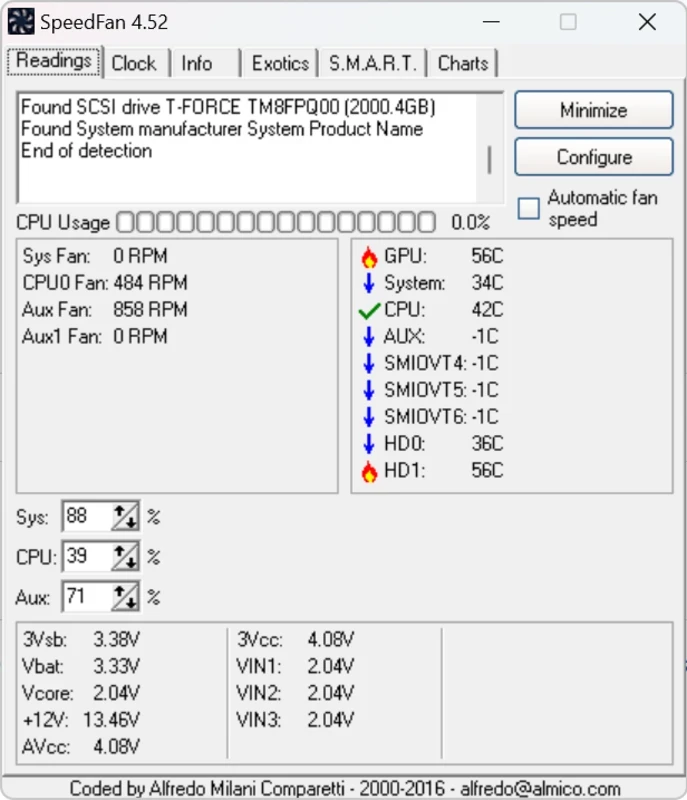
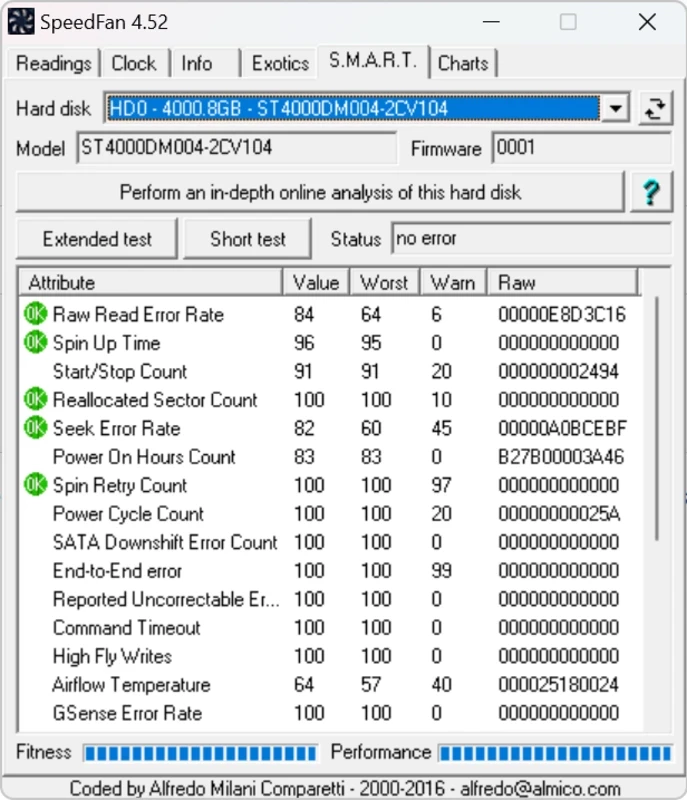
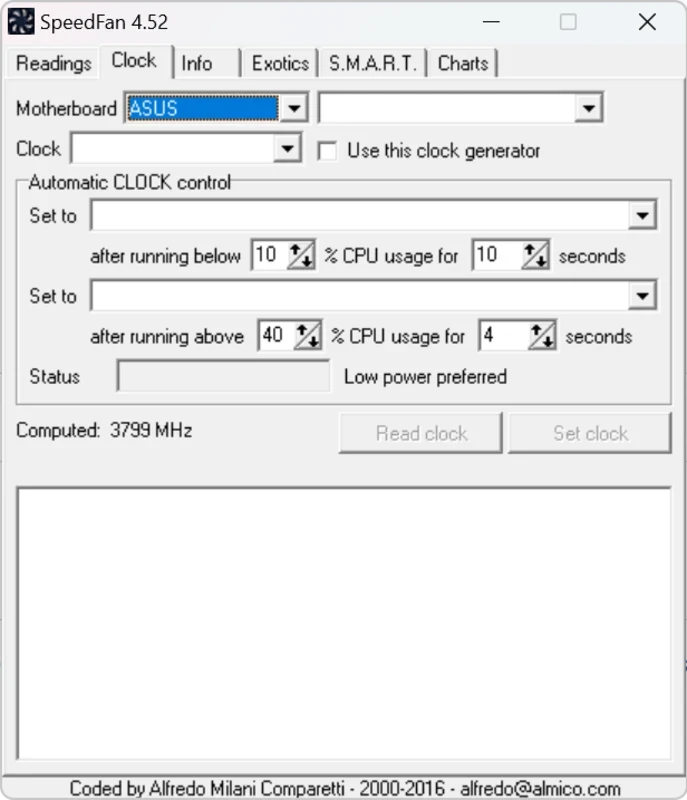
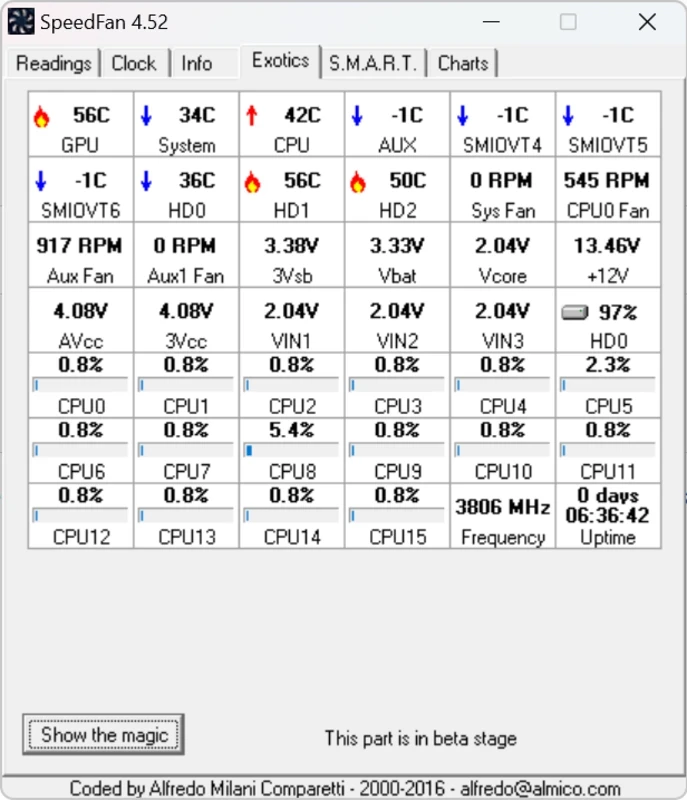
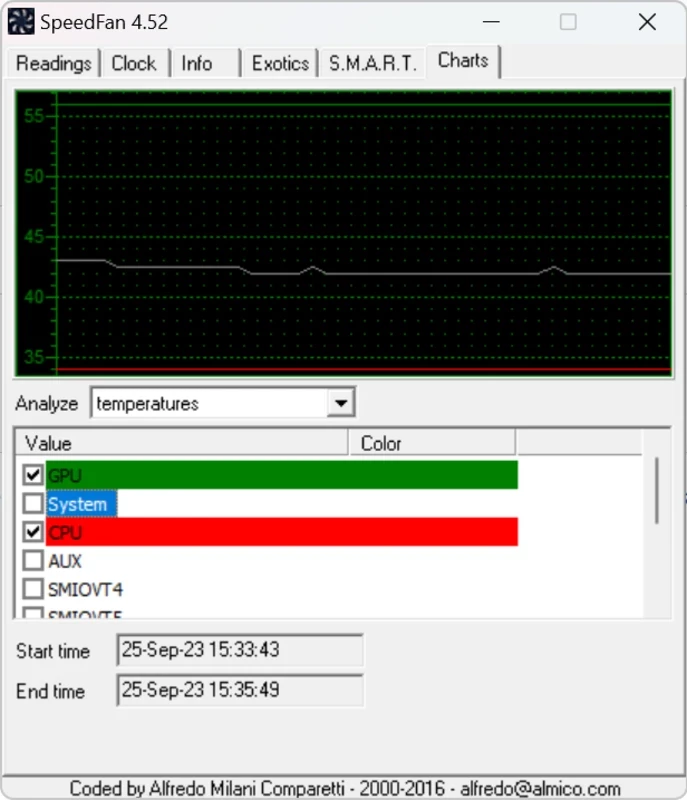
SpeedFan 4.52 is a free system monitor for Windows from Almico that reads temperatures, voltages and fan speeds from your PC's sensors. You can download SpeedFan from the developer's site; the current version dates from 29 June 2016, so it is best seen as a classic tool rather than an actively developed one.
SpeedFan appeared in 2001, at a time when overclocking desktop PCs was a popular hobby and motherboard makers shipped few monitoring tools of their own. The program talks directly to the hardware monitoring chips on the motherboard and shows what they report: processor and board temperatures, fan speeds and supply voltages. On supported boards it can also adjust fan speed, which is where its name comes from, letting a quiet PC stay quiet while idle and spin up under load. Another part of the program deals with hard disks and reads their built-in health data, helping you notice a failing drive before it takes your files with it. Written in Object Pascal, SpeedFan is small and light, and it runs in the background with icons in the notification area. The catch is age: hardware released after the last update may not be recognised, readings on new motherboards can be missing or wrong, and fan control may simply not work. On an older PC it can still be very useful; on a brand-new one, try it and trust only the values that look plausible.
| Item | Details |
|---|---|
| Version | 4.52 (29 June 2016) |
| Developer | Almico |
| Type | System monitor |
| Platform | Windows |
| Licence | Freeware |
| Size | about 2.94 MB according to catalogue data |
SpeedFan runs on Windows. Support depends on the monitoring chip of your motherboard rather than on the Windows version, so the only real test is to run it. The version history lists what each release added.
Reading sensors is harmless. Changing fan speeds is not: if you set fans too low, components can overheat. Leave automatic control to the BIOS unless you know what you are doing, and watch temperatures under load after any change. Get the program only from almico.com.
SpeedFan is freeware; donations to the author are welcome.
For hardware information on our site, see CPU-Z for processor and memory details, CrystalDiskInfo and Victoria HDD/SSD for disk health.
CrystalDiskInfo is a free, open-source Windows utility that reads information from hard drives and SSDs and shows their health status.

Google Play is Google's digital distribution platform. On Windows, Google offers Play content through the browser and Google Play Games on PC.

Media Creation Tool is a free Microsoft utility that downloads Windows and turns it into a bootable USB flash drive or an ISO file.

LDPlayer is an Android emulator for Windows that runs mobile apps and games on a computer.

BlueStacks is an Android emulator for Windows that lets you run Android apps and games on your PC.
Rufus is a free Windows utility that turns a USB stick into a bootable installer. The current version is 4.15.

PC App Store is a free software store for Windows from Baidu for finding, installing and updating PC programs. This page covers version 5.0.1.8682.

Uptodown App Store for Windows is the desktop client of Uptodown, a marketplace for desktop software and mobile apps. This page covers version 1.0.3.

NoxPlayer is a free Android emulator from Bignox for Windows and macOS that runs mobile games and apps on a computer with keyboard and mouse control.